Drop in your footage
One talking clip, or a handful from your camera roll.
CakeCut cuts the retakes and long pauses and captions every word. Add effects, sounds and music in a few taps, then post.
✦$99 for your first year · (12 left)Made forTikTok·Reels·Shorts·YouTube
Animation: filler words and pauses are removed from a transcript, then captions and a sound effect are added to the timeline.
One talking clip, or a handful from your camera roll.
Retakes, filler words and dead air come out, and captions go in.
Every automatic change is a visible edit you can undo. Tweak anything, then export.
The tedious part of editing, done before you open the timeline.
Removes retakes, filler words, repetitions and long pauses, and trims the setup at the start.
Delete a sentence from the transcript and it is gone from the video.
Animated styles with word-by-word highlights, captions that sit behind you, and styles copied from a video you like.
Zooms, mockups and cutouts you drop onto a moment with one tap.
Name tags, lists, numbers, stickers and progress bars from editable templates.
Voice polish on your device, background noise removal, a sound-effect library and music that ducks under your voice.
Gentle skin smoothing, under-eye and blemish touch-ups, processed on your device.
Pick recent clips and CakeCut cuts them into one reel on the beat.
Tell the assistant what you want changed in plain words and watch it make the edit.
Save your fonts, colours and logo once and use them on every video. Your intro and outro are a tap away.
Captions people stop for
Start from a style that already looks designed, then change any colour, font or animation.
Browse caption stylesThe manual edit
The CakeCut edit
Every automatic change is a visible edit you can undo. Tweak anything, then export.

Your work, your call
Your projects are saved in your browser. Pause detection, voice polish, face retouch and the final render run on your device. Features that need a server, like transcription, noise removal, translation, style copying and reels, send only what that job needs.
Translate once and keep the timing, styling, and energy intact.




Compare plans
$0.00
Try premium creator captions and share short clips with the CakeCut watermark.
$14.99per month
For solo creators posting short-form clips every week.
$29.99per month
For people who want captions that look like a paid editor made them.
$199per month
For agencies producing client videos at scale. We onboard founding agencies personally.
For short talking videos, usually yes: CakeCut cuts, captions, mixes and exports. For long-form projects, colour grading or complex multi-camera work, keep your main editor and use CakeCut for the short clips.
CakeCut is made for short videos where someone talks to camera: founder posts, coaching clips, tutorials, podcasts cut into shorts, and creator content.
Yes. Every automatic cut and addition is a normal edit on your timeline. Restore a cut, move a sound or change a caption the same way you would edit your own work.
Your projects are saved in your browser, not on our servers. Some features need a server: transcription and noise removal send audio, translation sends caption text, reels send still frames and transcripts, and style copying uploads your reference. On phones, behind-the-subject masks are also prepared on our servers.
Yes. Export a polished captioned video for posting, and keep subtitle files like SRT, TXT, or JSON when you need captions for another workflow.
Yes. CakeCut is built for vertical social video, with bold, readable caption styles designed to feel native in fast-moving feeds.
Yes. Translate your captions when you want the same polished clip to reach more people, without rebuilding the timing by hand.
CloudCap grew into CakeCut. Your CloudCap account works here with the same plan and credits. cloudcap.fun keeps working, so you can open older projects there.
Drop in one clip. CakeCut makes the first edit, you make the calls.
Start free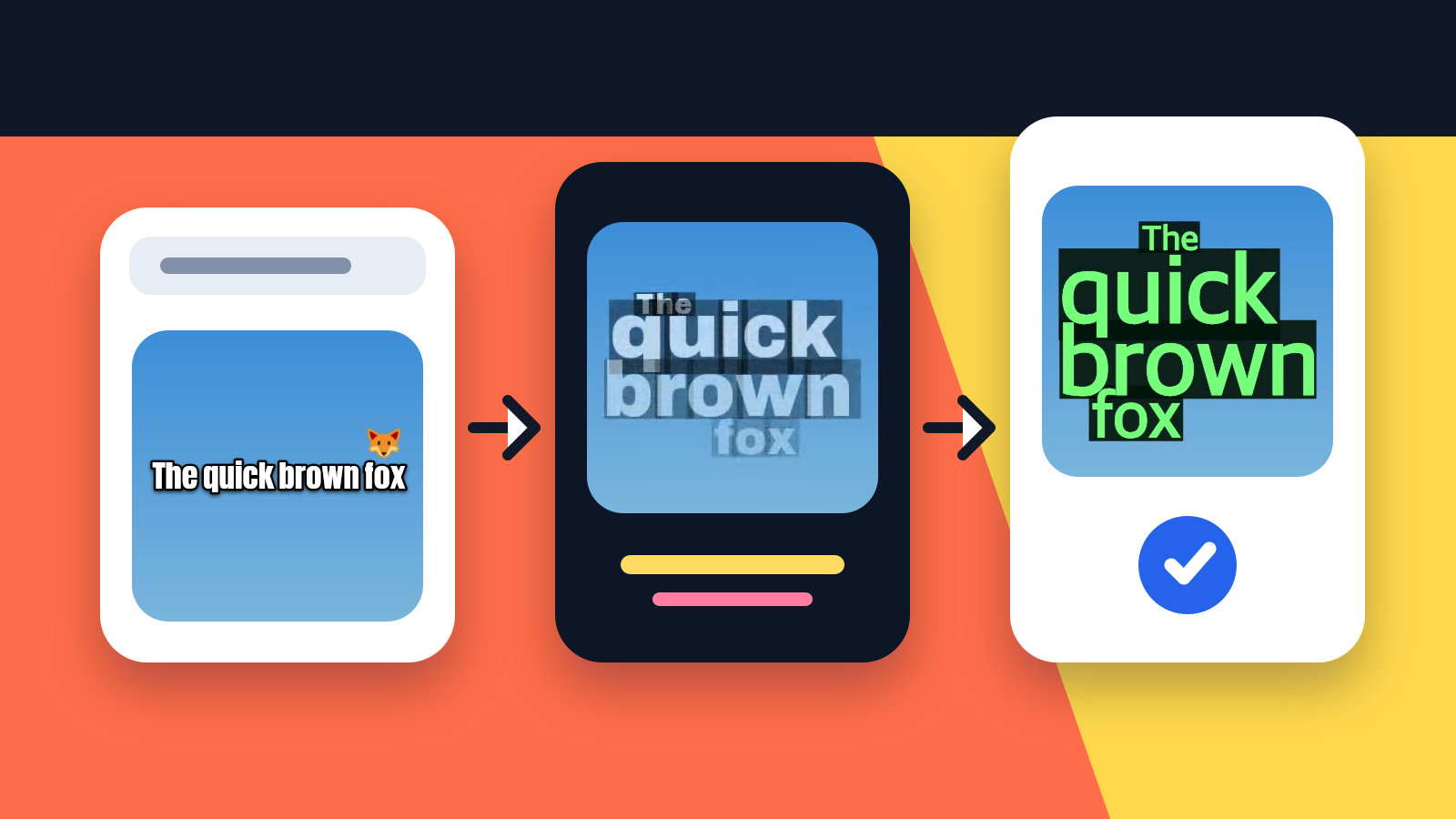
Three ways to get the text in — generate it from speech, type it yourself, or import a subtitle file — then one review pass that fixes the wording, lands the timing, and settles the style before you export.
 CloudCap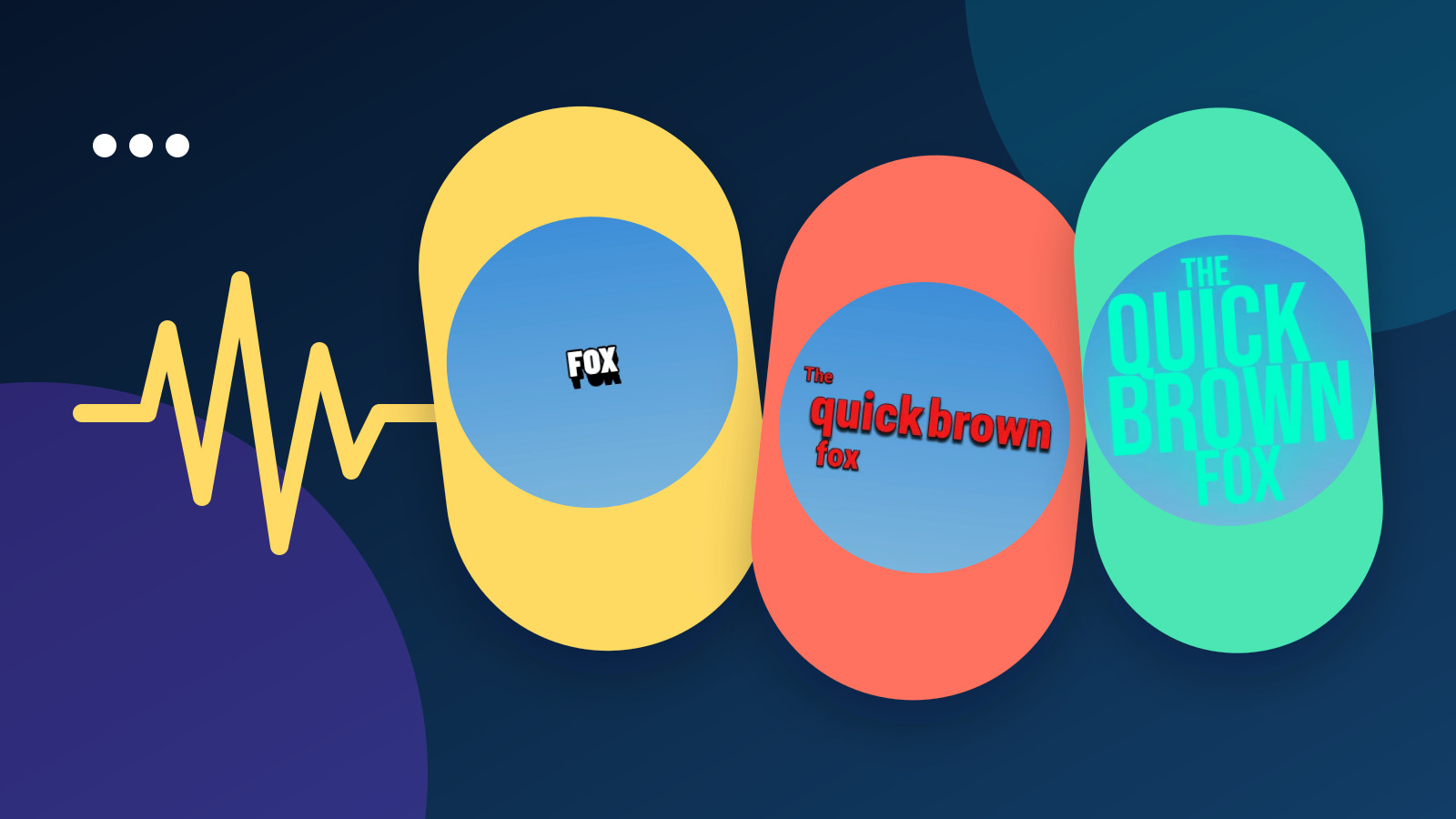
A subtitle generator can look flawless in a demo and still fall apart on your footage. Seven checks — text, timing, typography, animation, language, export, reusable styling — settle it on one clip of your own.
CloudCap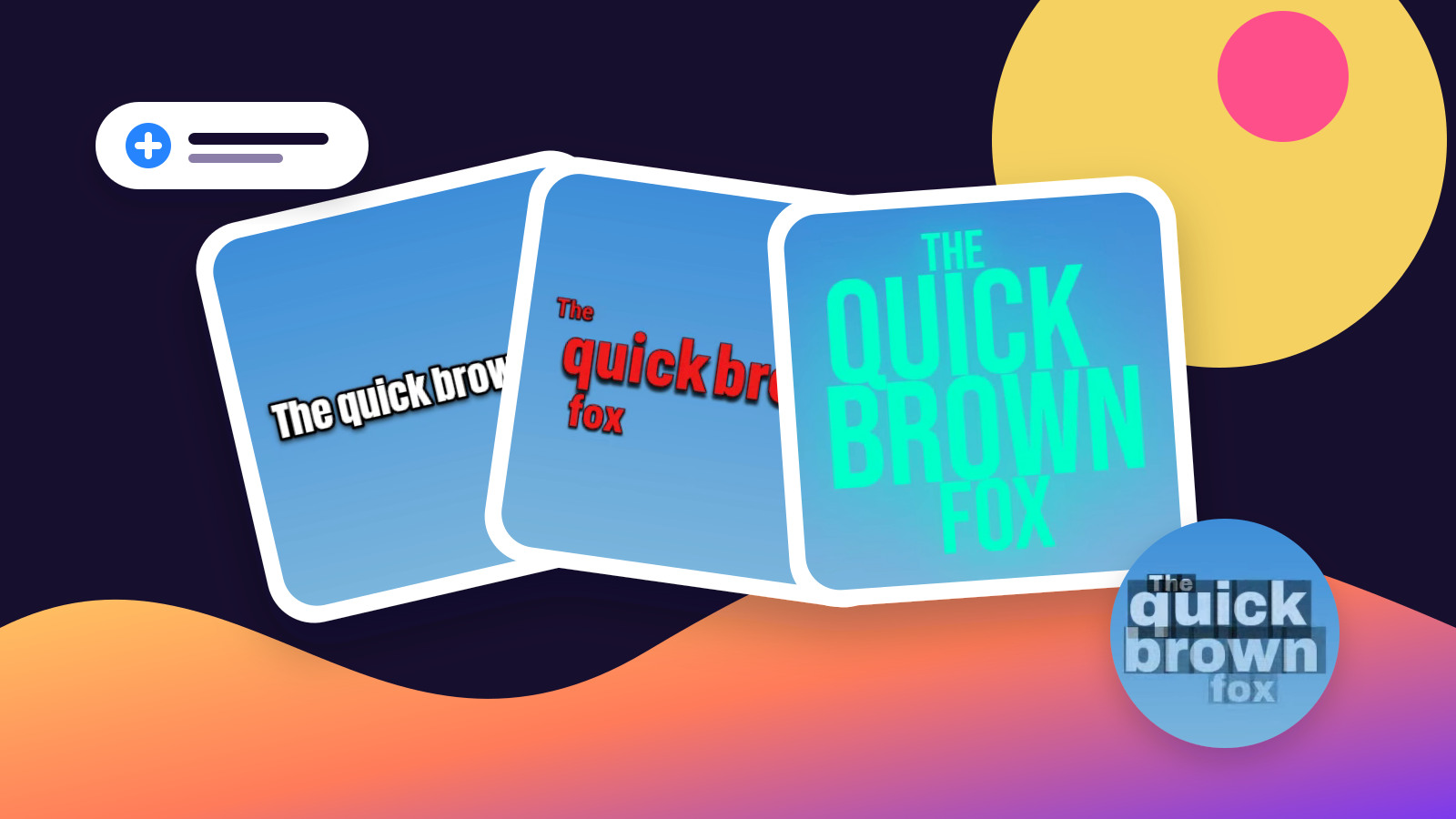
CapCut treats captions as one job inside a much bigger editor. CloudCap keeps the pass to four moves — generate timed captions, fix the wording, pick a style, export. See which boundary suits the work you actually finish.
CloudCap